
Trackpad
Touch anywhere. The cursor follows.
The main screen stays wide open, so long cursor throws, quick taps, and drag gestures all start without hunting for the right spot.
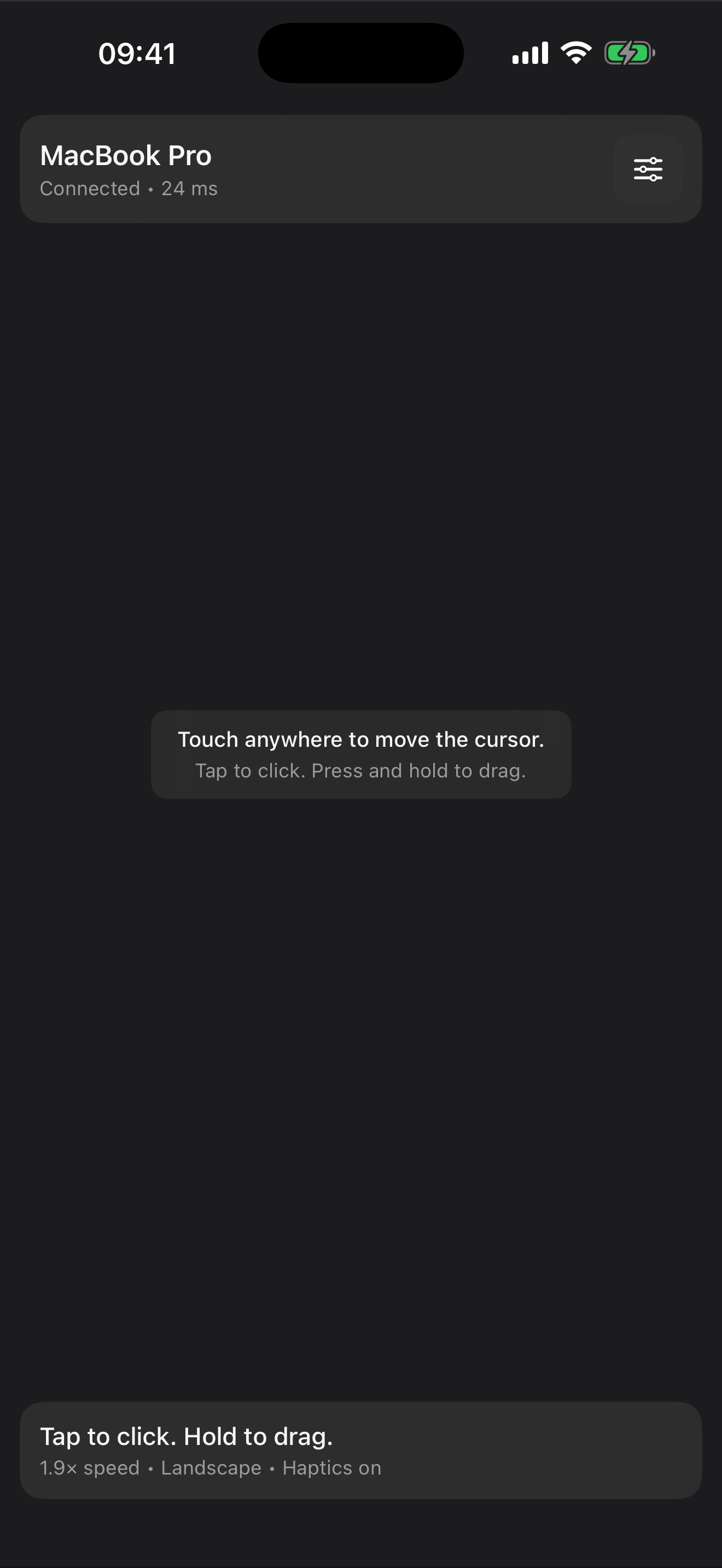

Trackpad for Mac
Move the cursor, tap to click, hold to drag, and scroll with the whole screen working in your favor. MagicPad keeps the core experience fast and focused, then lets you add Pro tuning for the last bit of feel.
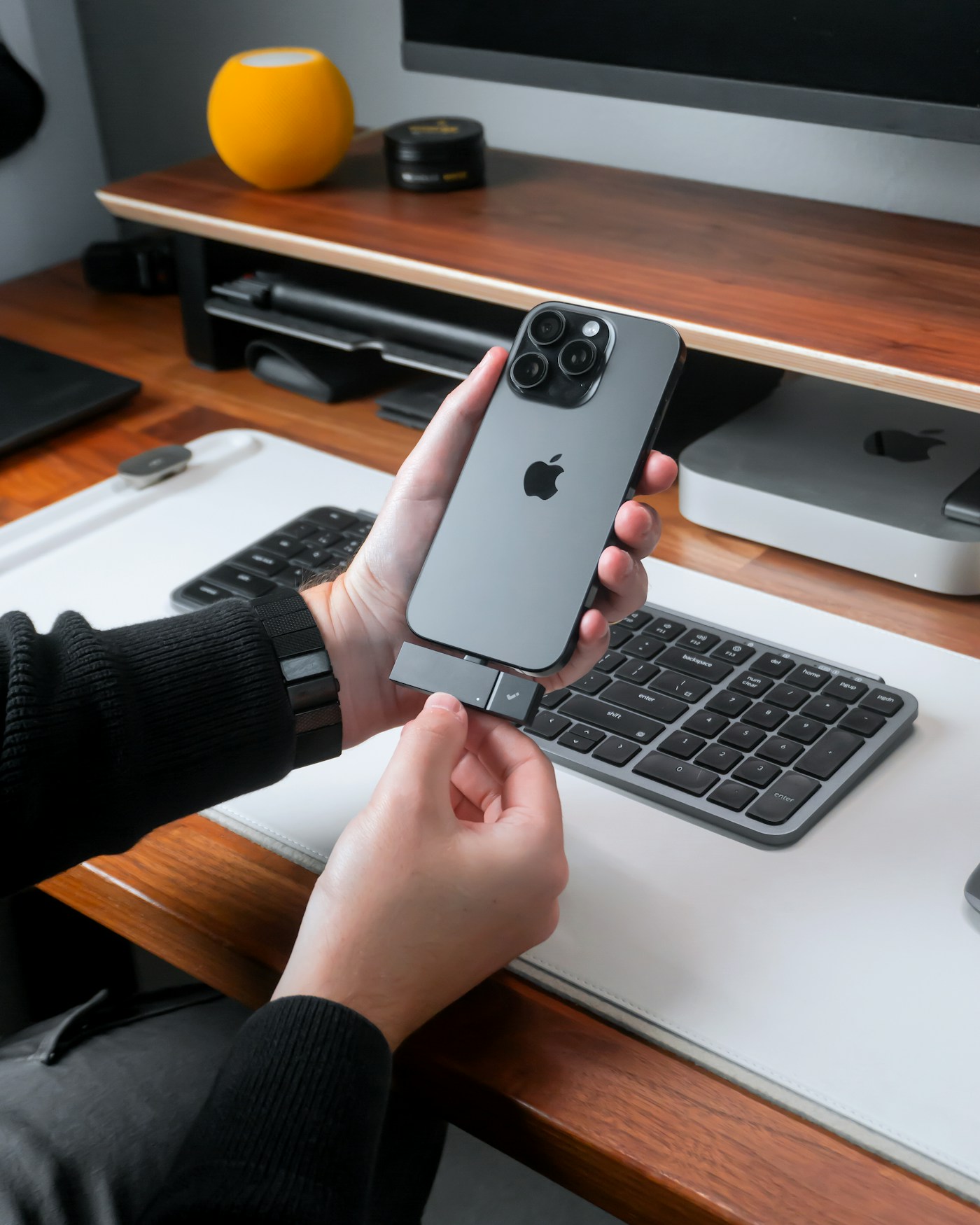
Made for the desk
MagicPad starts right where your hand lands. No clutter. No tiny remote buttons. Just a responsive, full-screen surface that feels ready from the first touch.
Trackpad
The main screen stays wide open, so long cursor throws, quick taps, and drag gestures all start without hunting for the right spot.
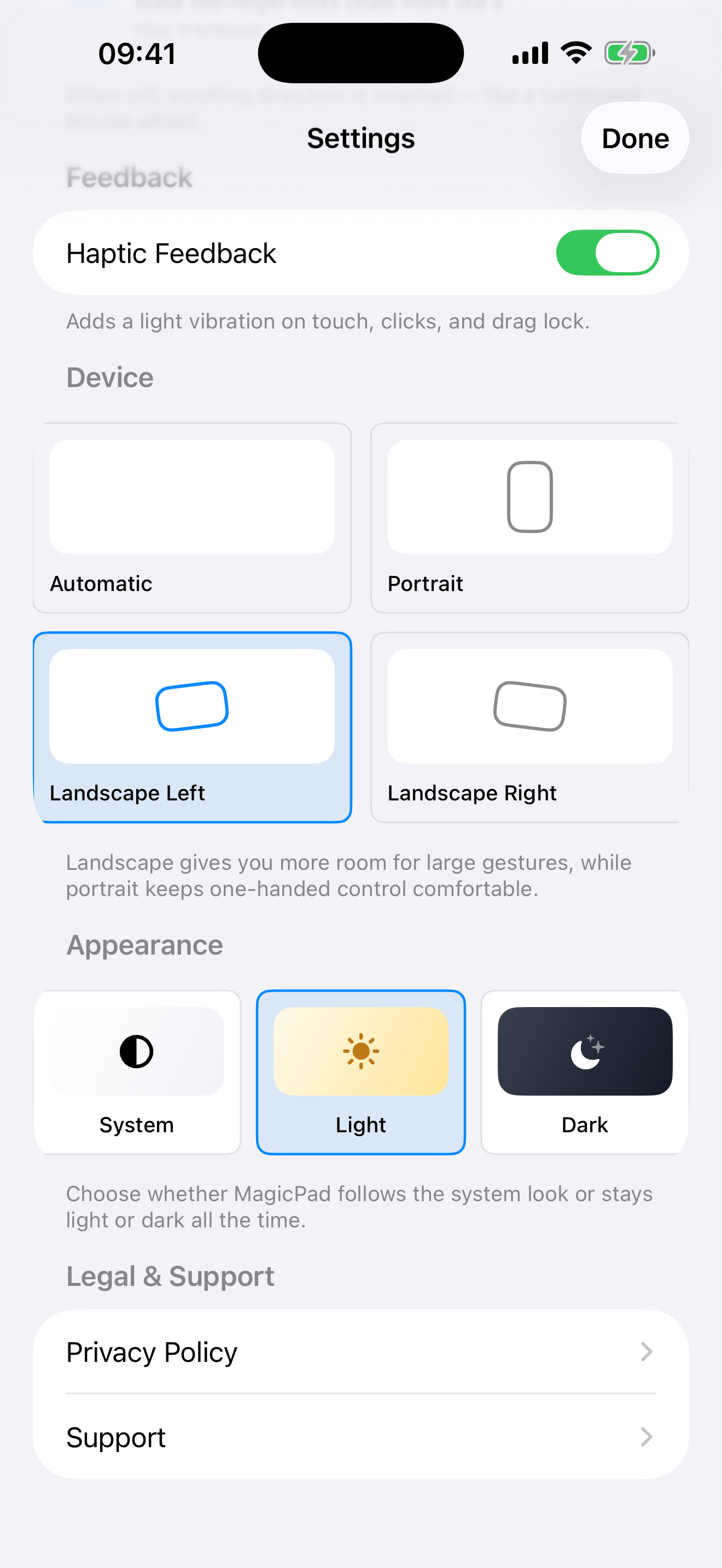
Settings
Theme, orientation, and haptics stay open to everyone. MagicPad Pro adds the controls that shape how fast and how far the cursor moves.
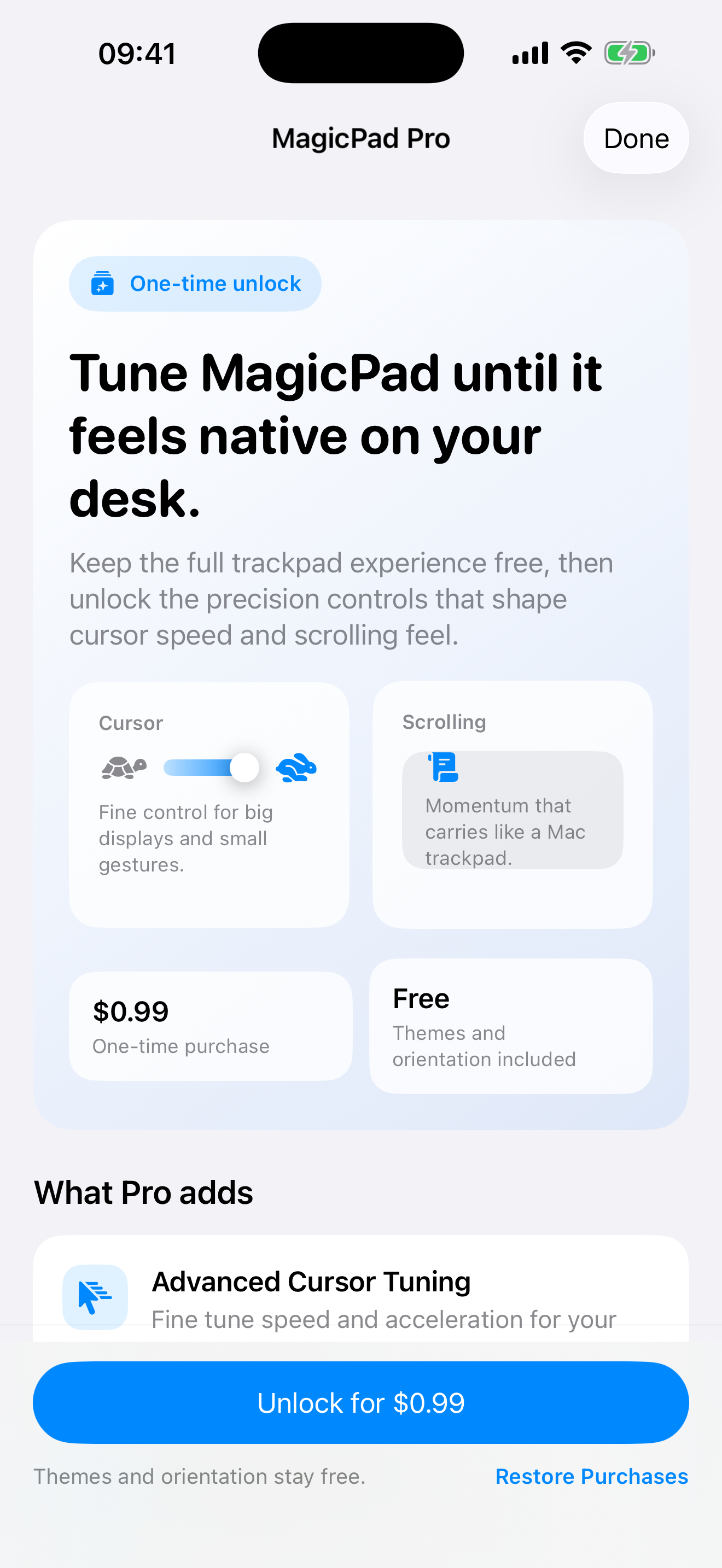
MagicPad Pro
MagicPad Pro is a one-time upgrade for cursor speed and momentum tuning, so the remote feel matches your desk, display, and hand.
Product videos
Use these slots for the moments that sell best: first connection, trackpad feel, and the difference Pro tuning makes on a larger Mac display.
Show cursor movement, tap to click, hold to drag, and the full-screen surface in motion.
Walk through theme, orientation, haptics, then land on the $0.99 MagicPad Pro unlock.
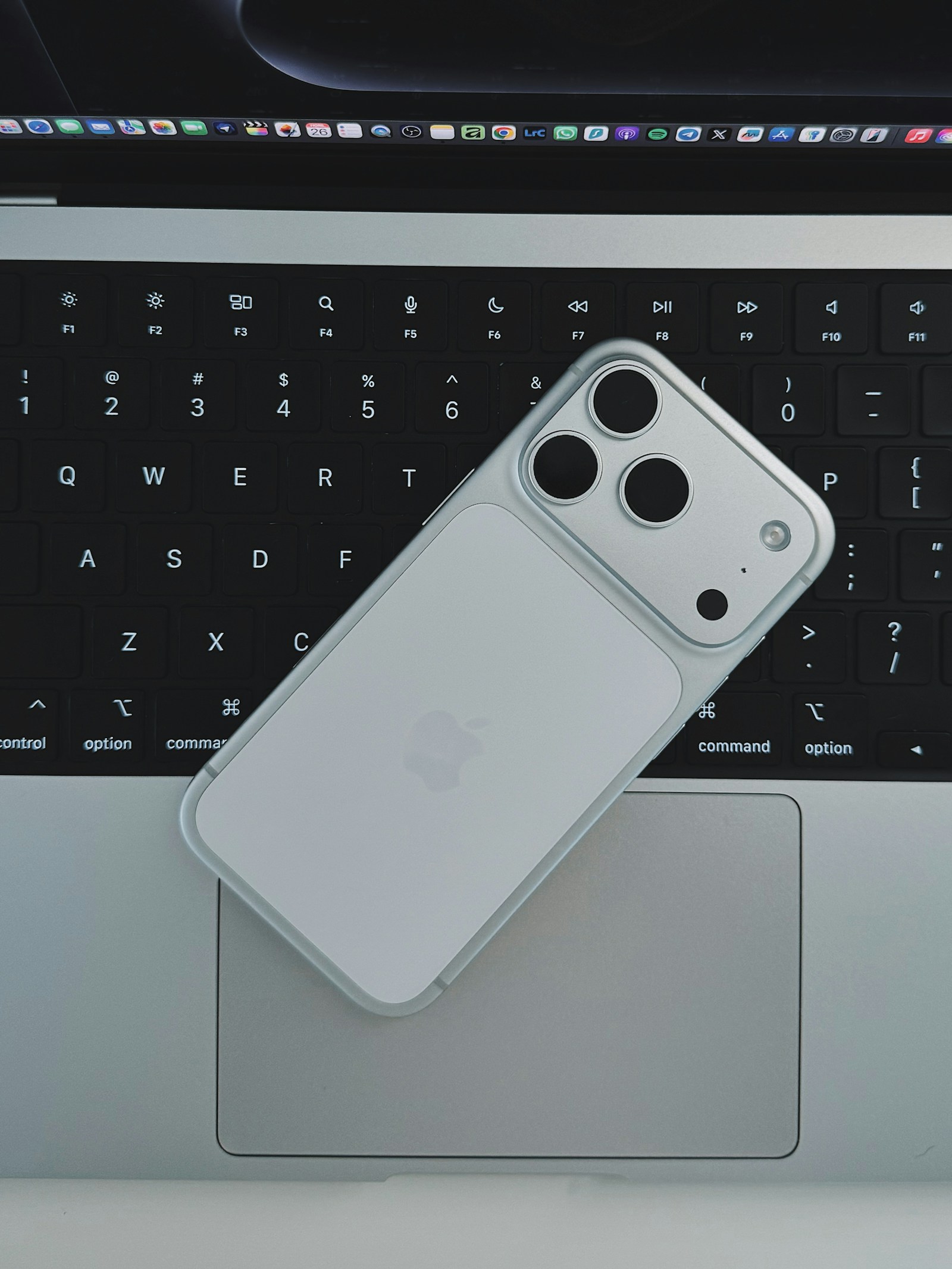
Open the Mac host, grant access once, then connect both devices on the same Wi-Fi network.
Get app
Grab the Mac client right here, open it, and keep it ready in the menu bar or on your desktop.
Download macOS ClientLaunch the iPhone app, open Settings, and choose your Mac when both devices are on the same Wi-Fi.
See iPhone ScreensStart with the free trackpad, then unlock MagicPad Pro for $0.99 if you want tighter cursor tuning.
Watch the Motion
Direct macOS download
Put your notarized archive in the download path, publish the site, and the Mac button is ready for real traffic from day one.